Iterum Games › Managed Football
Join the closed test
Managed Football is in closed testing on Google Play, and we’d love your help. Testing is free, takes about two minutes to join, and works on any Android phone.
The testing group, with the latest news and a place to ask questions, is here: Managed Football testing group.
1. Join the testing group
Open the Managed Football testing group and click Join group.
2. Become a tester
Open play.google.com/apps/testing/com.iterumgames.managedfootball and tap Become a tester. Wait until the page says you are a tester.
3. Install the game on your phone
On your Android phone, open the Managed Football Play Store page and install it.
On a computer? Scan this code with your phone’s camera to open the install page:

The game doesn’t show up in a Play Store search during testing, so always use the link or the code.
What the game is like
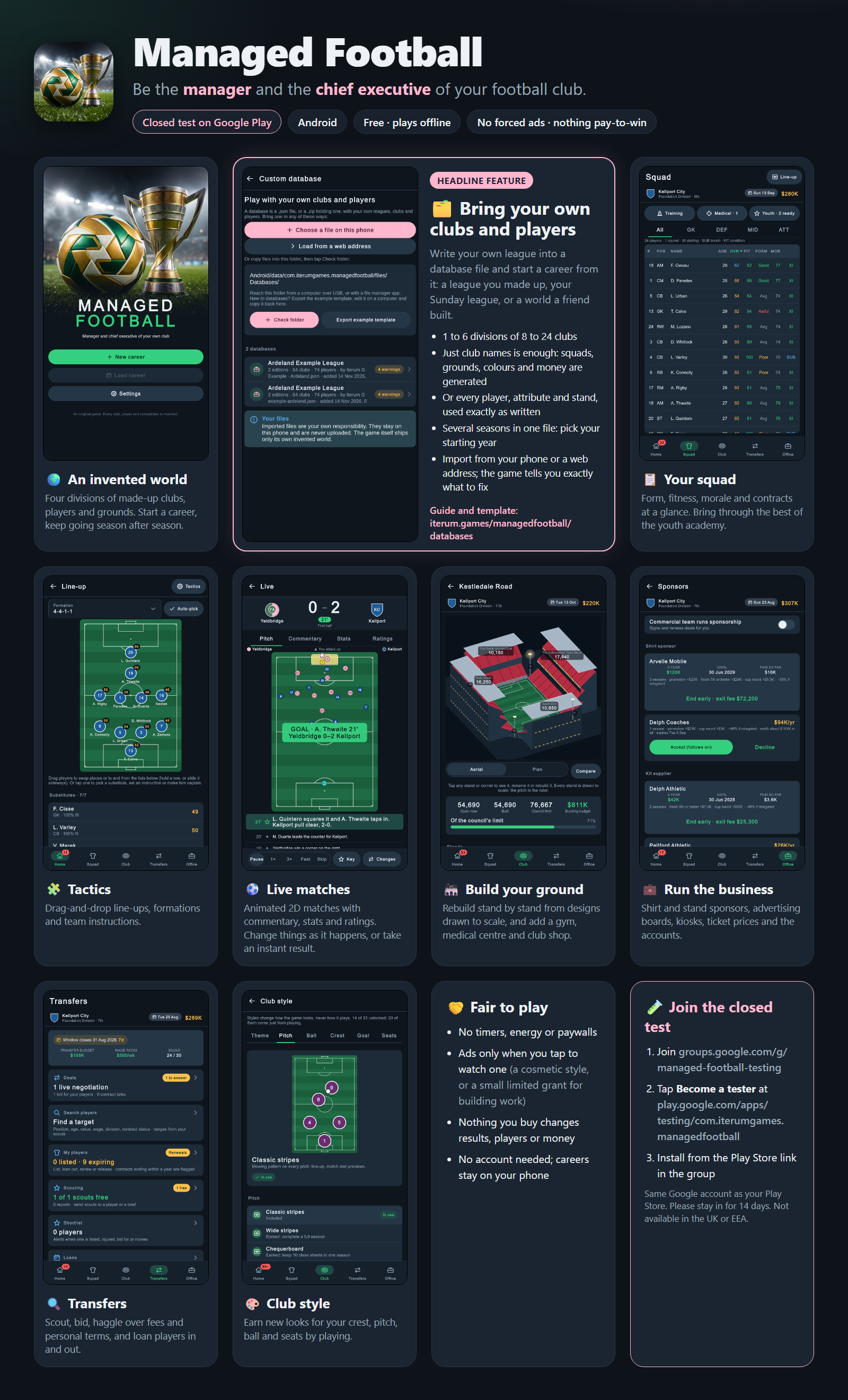
Please stay for 14 days
Google needs testers to stay opted in for 14 days before a game can be released to everyone. Leaving the game installed and opening it now and then is a big help.
Good to know
- “App not available”? Check that your phone’s Play Store uses the same account as steps 1 and 2, then wait a few minutes and try again: joining can take a little while to reach the Play Store.
- The test isn’t available in the UK or the European Economic Area.
- Feedback: use Office ▸ More ▸ Send feedback in the game, post in the testing group, or email info@iterum.games.
- Want to play with your own clubs and players? See how to make and import a database.